Managing Replies on Your Posts
Set up comment replies for your own Threads posts using knowledge settings and review options.
Open Loompify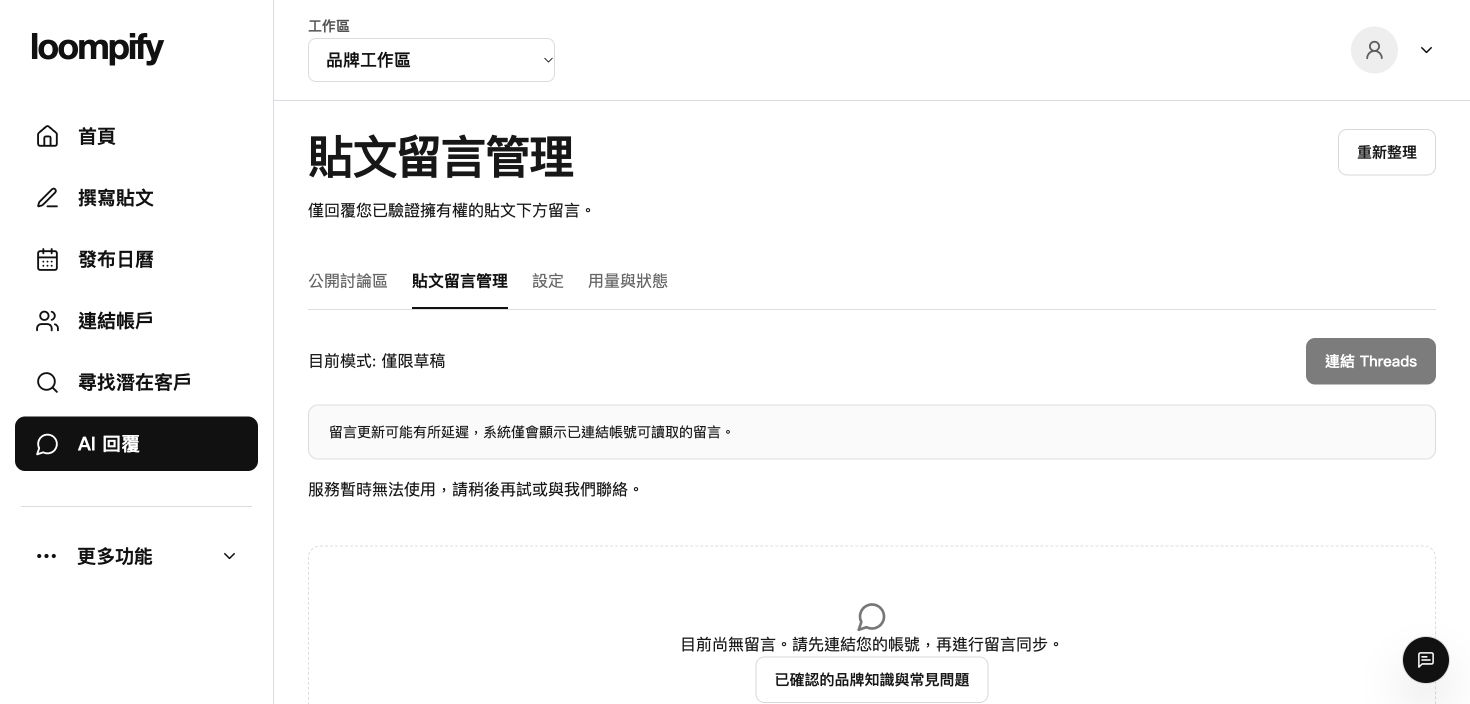
Before you start
Automated replies apply strictly to comments on your own posts; authorization alone never enables automated reply sending.
Step-by-step instructions
Connect profile and configure knowledge
Open AI replies to connect your Threads profile, then go to More -> Brand and search settings to fill in product, pricing, and FAQ knowledge.
Select reply mode and set limits
In Brand and search settings, set reply mode to Off, Draft, or Automatic, and configure daily and conversation caps.
Run a sample draft test
Test sample drafts to verify reply accuracy and tone before enabling automatic responses.
Review and manage replies in AI replies
Use AI replies to view synced comments, edit generated draft replies, approve and send, or pause replies for specific posts.
Reply troubleshooting
If automatic replies do not send, verify that your plan includes reply automation, your profile is connected, and brand knowledge is confirmed.
Need help? ↗Updated