Connecting Threads Accounts
Authorize your Threads account safely through official platform access to draft, schedule, and manage posts.
Open Loompify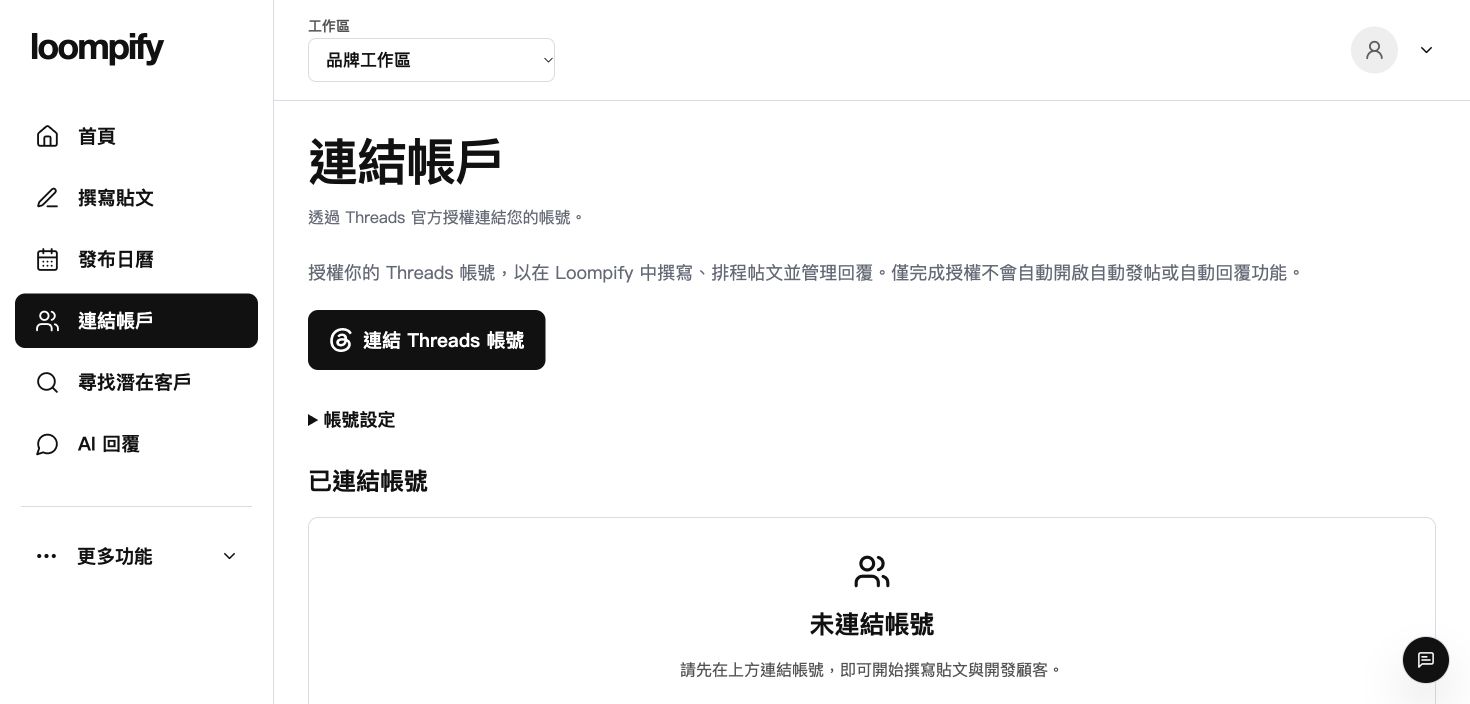
Before you start
Connecting an account authorizes Loompify but does not automatically turn on publishing or replies.
Step-by-step instructions
Open account management
Select Accounts from the main sidebar menu to review your social profiles.
Authorize Threads
Click Connect Threads to start the official authorization process on the social platform.
Confirm permissions
Approve the requested permissions on the official platform screen to grant authorization.
Verify connection status
Check that your profile appears as connected in your Accounts dashboard.
Connection troubleshooting
If authorization expires, start the authorization process again from Accounts to restore access. If you reach your plan limit, disconnect an unused profile or choose a larger plan.
Need help? ↗Updated