Finding Potential Customers
Search indexed public discussions relevant to your business using search settings.
Open Loompify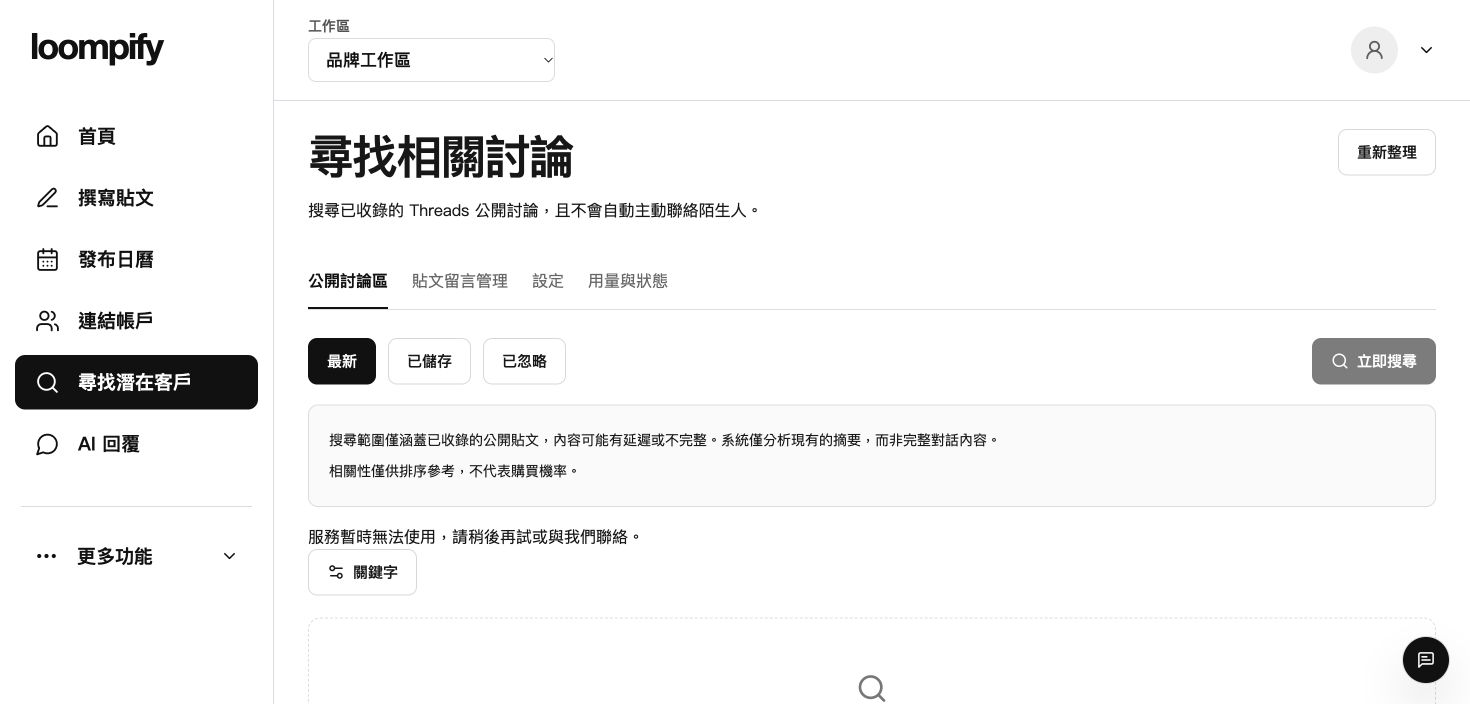
Before you start
Results show indexed public snippets only, not full text, and dates may be unknown. Relevance does not mean buying probability, and zero results does not mean no Threads discussion exists. Automated messaging to strangers is strictly prohibited.
Step-by-step instructions
Configure customer search settings
Click More -> Brand and search settings to set business keywords, synonyms, exclusions, language, market, frequency, and budget.
Run search in Find customers
Select Find customers from the sidebar to execute searches and retrieve indexed public discussion snippets.
Review discussion snippets
Examine search result snippets and click to view original public discussions on the web.
Organize search leads
Save relevant discussion entries for reference or mark unhelpful items to ignore.
Customer search troubleshooting
If no results appear, broaden your keywords or remove negative exclusions in Brand and search settings.
Need help? ↗Updated