Using the AI Assistant Chat
Ask the AI assistant in the corner chat window to generate post drafts or assist with content.
Open Loompify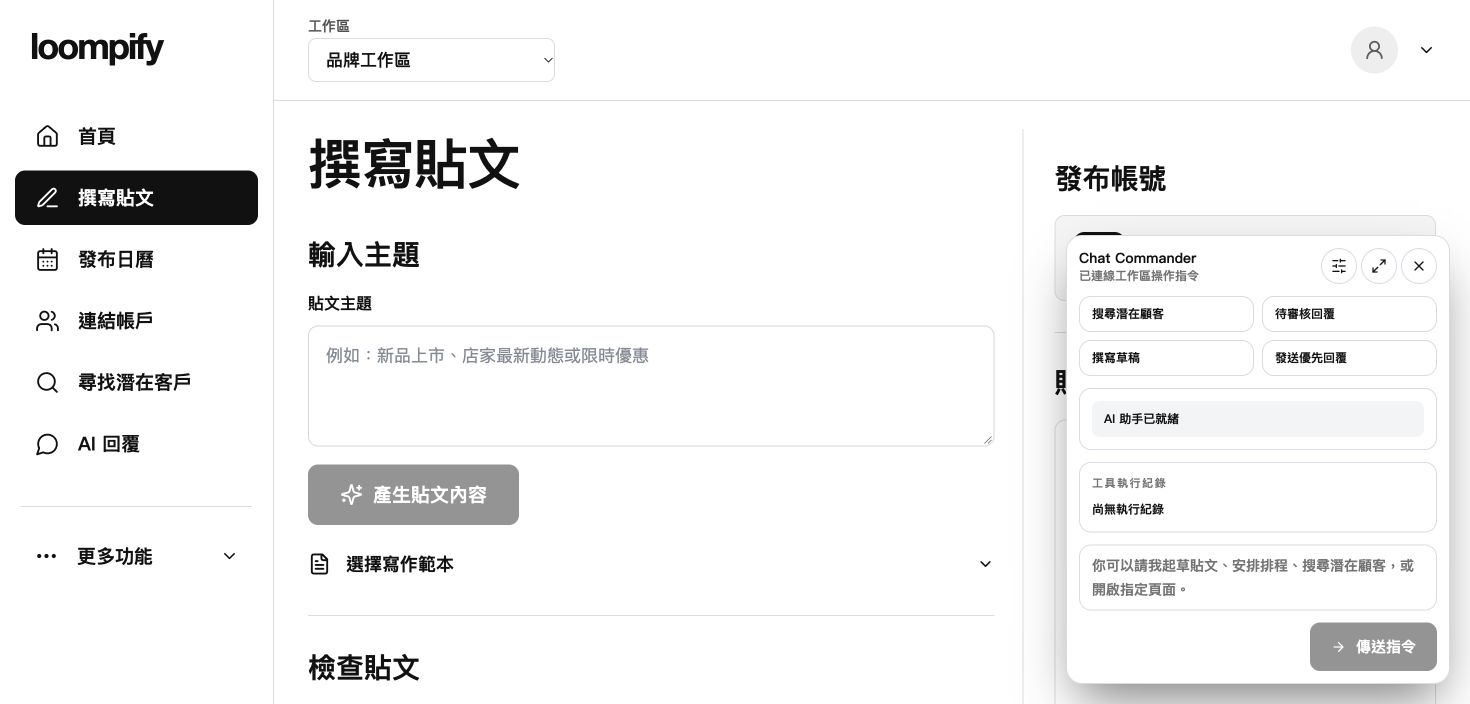
Before you start
Assistant permission levels guide action scope but do not override workspace user roles or account authorizations.
Step-by-step instructions
Launch chat assistant
Click the chat launcher icon located in the bottom corner of your screen.
Type your request
Enter a clear request, such as asking the assistant to draft a product announcement.
Review assistant response
Read the generated response and review action status indicators in the chat window.
Open draft in Create
Navigate to Create to review, edit, and manage generated draft posts.
AI assistant troubleshooting
If the assistant chat does not respond, refresh your browser page and re-enter your request.
Need help? ↗Updated