Storing and Reusing Post Ideas
Save post ideas with a name and text, then load them into the composer when ready.
Open Loompify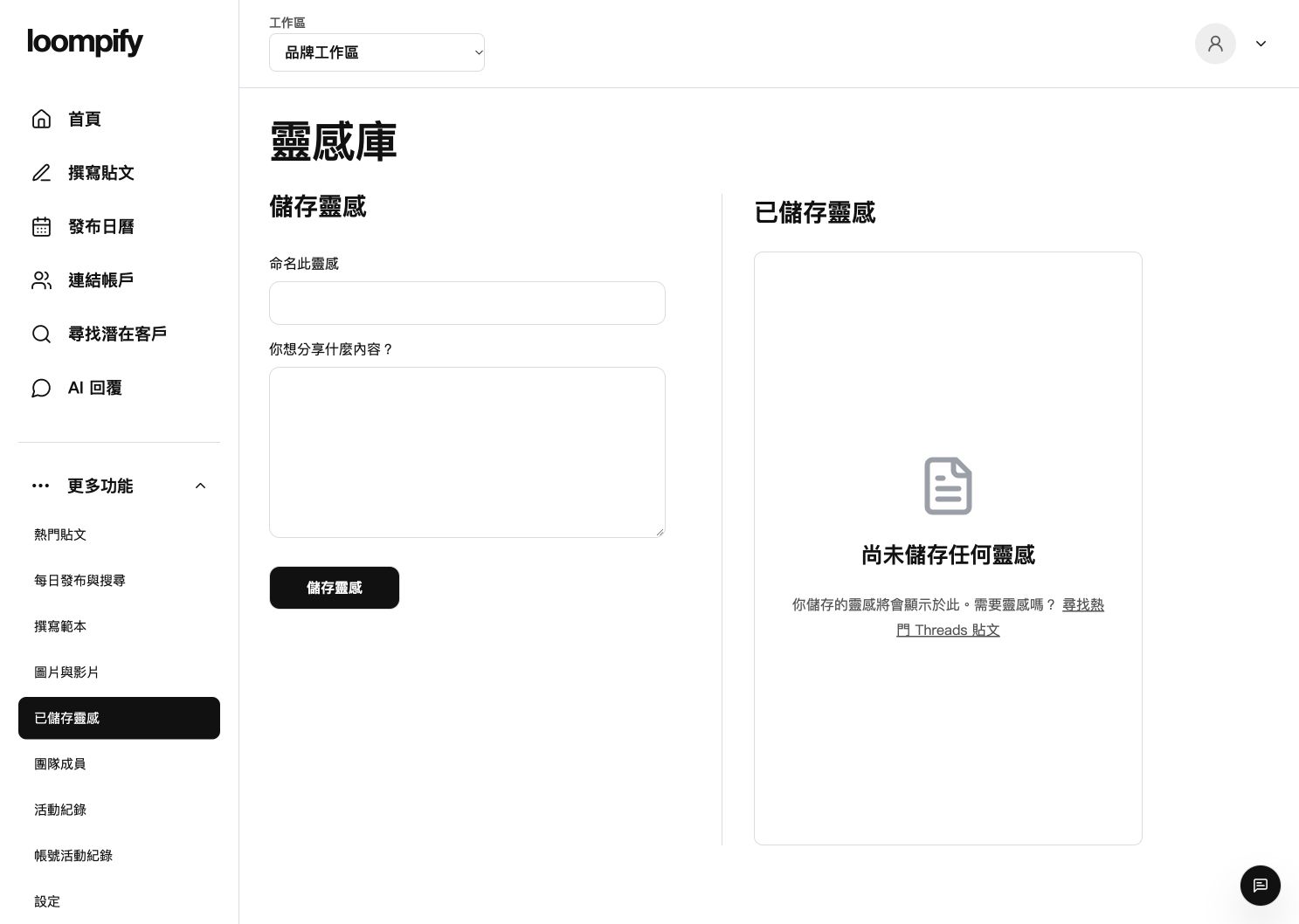
Before you start
Loading a saved idea opens it as an editable draft in Create; it is never published or scheduled automatically.
Step-by-step instructions
Open saved ideas
Click More in the sidebar and select Saved ideas to access your idea repository.
Save a new idea
Fill in the idea name and text fields, then click save to store your concept.
Edit existing ideas
Review your list of saved ideas and select Edit to update stored text at any time.
Load idea into post composer
Select the option that loads your saved idea text directly into the Create editor to refine your draft.
Saved idea troubleshooting
If a saved idea does not update, confirm that you clicked save after editing your idea text.
Need help? ↗Updated