Reviewing Workspace Activity
Audit workspace operational records and export data logs from settings.
Open Loompify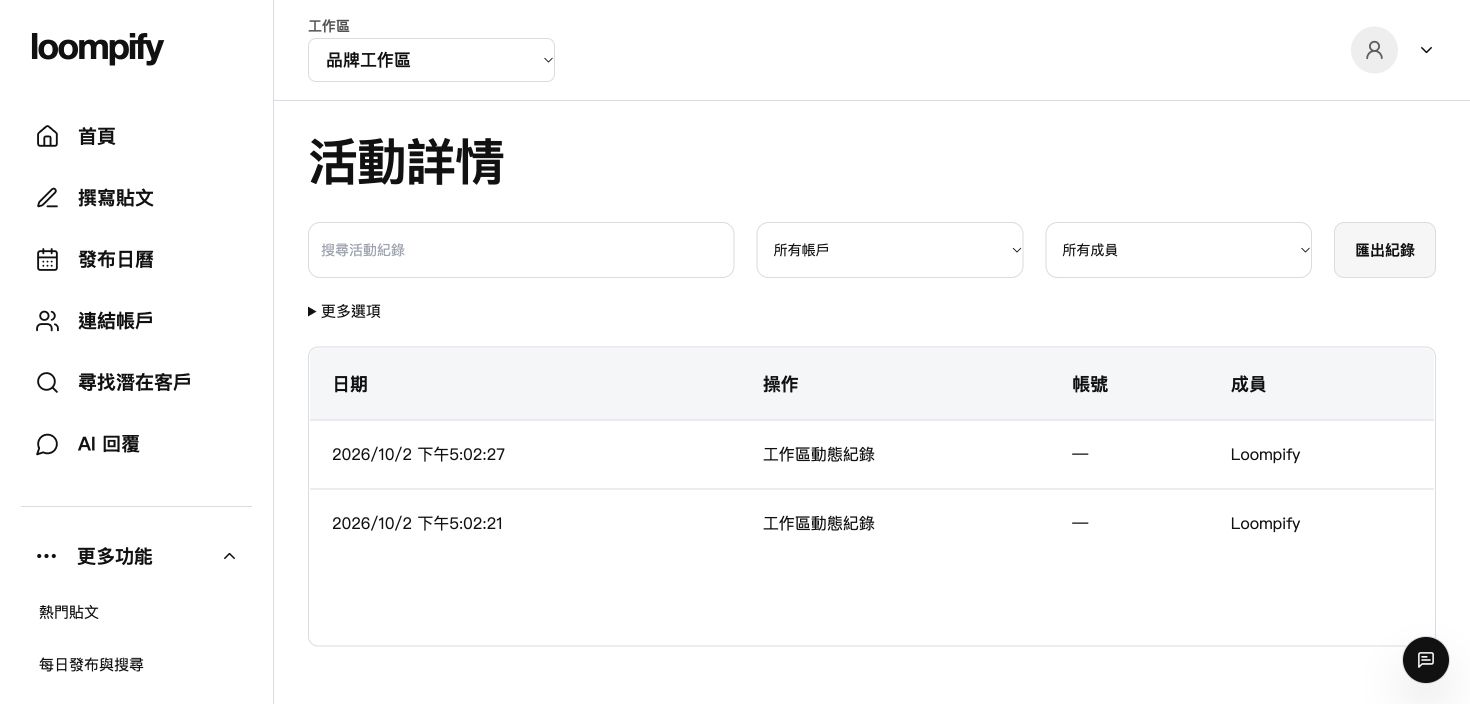
Before you start
Workspace exports include activity records stored within Loompify and do not include complete external platform history.
Step-by-step instructions
Open activity log
Click More in the sidebar and select Activity or Account activity to review workspace events.
Review operational timestamps
Examine event timestamps, user actions, and post status updates recorded in your log.
Navigate to data export in Settings
Click More -> Settings and locate the workspace data management section.
Request workspace data export
Click the export option to download a record file of stored workspace activities.
Activity log troubleshooting
If the export option is unavailable in Settings, ask your workspace owner to verify your role permissions.
Need help? ↗Updated