Writing Posts with AI Assistance
Generate draft text using AI prompts, then review and edit before saving.
Open Loompify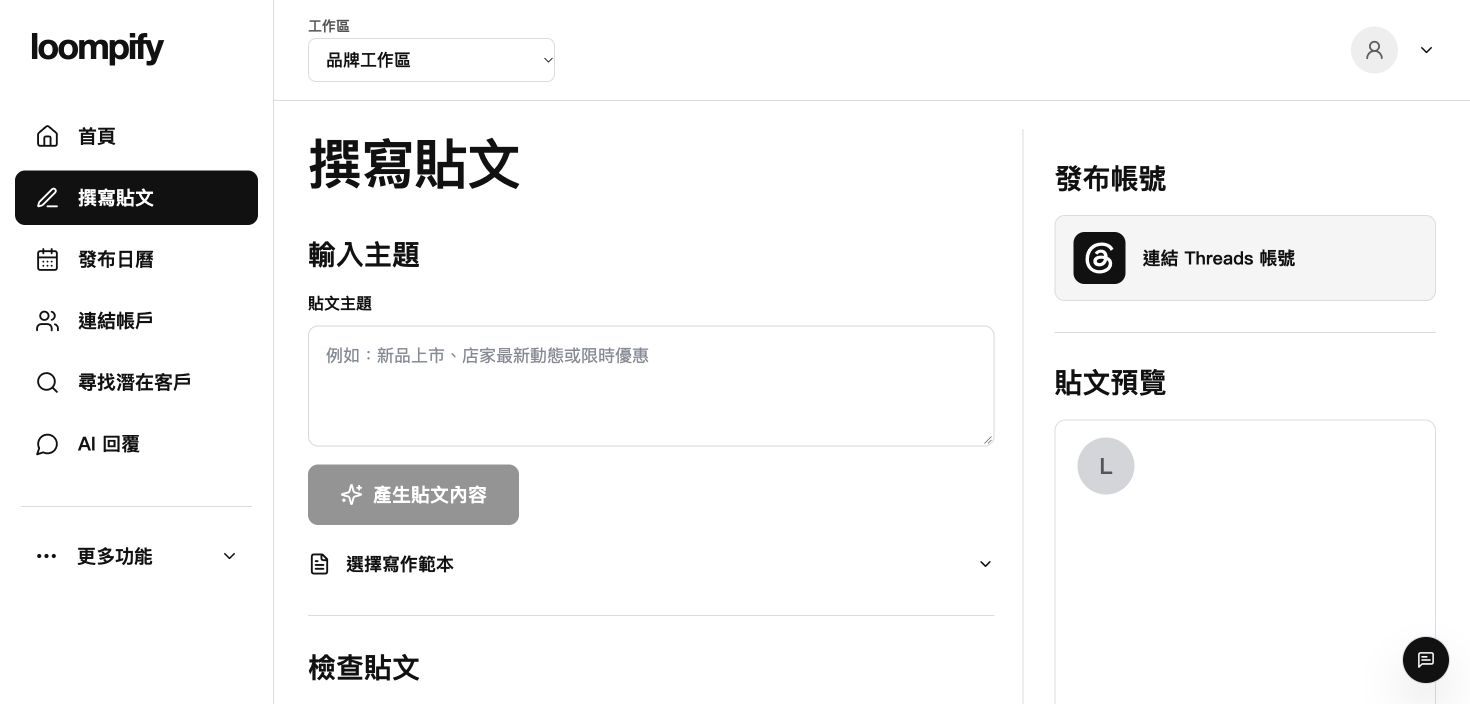
Before you start
Review all AI suggestions for accuracy; a connected account is required before cloud saving or publishing.
Step-by-step instructions
Open the post composer
Select Create from the sidebar menu to open the post editing screen.
Input topic prompt
Enter your subject or topic details into the topic field.
Generate AI text
Enter your subject details into the topic field and click Generate post content to create an AI draft for review.
Review and save
Edit the generated text to 500 characters or fewer, then connect an account to save as a cloud draft or schedule.
AI generation troubleshooting
If AI text generation stops or fails, check your internet connection, refresh Create, and shorten your prompt.
Need help? ↗Updated