Getting Started with Loompify
Sign in, configure basic workspace settings, and create your first post draft.
Open Loompify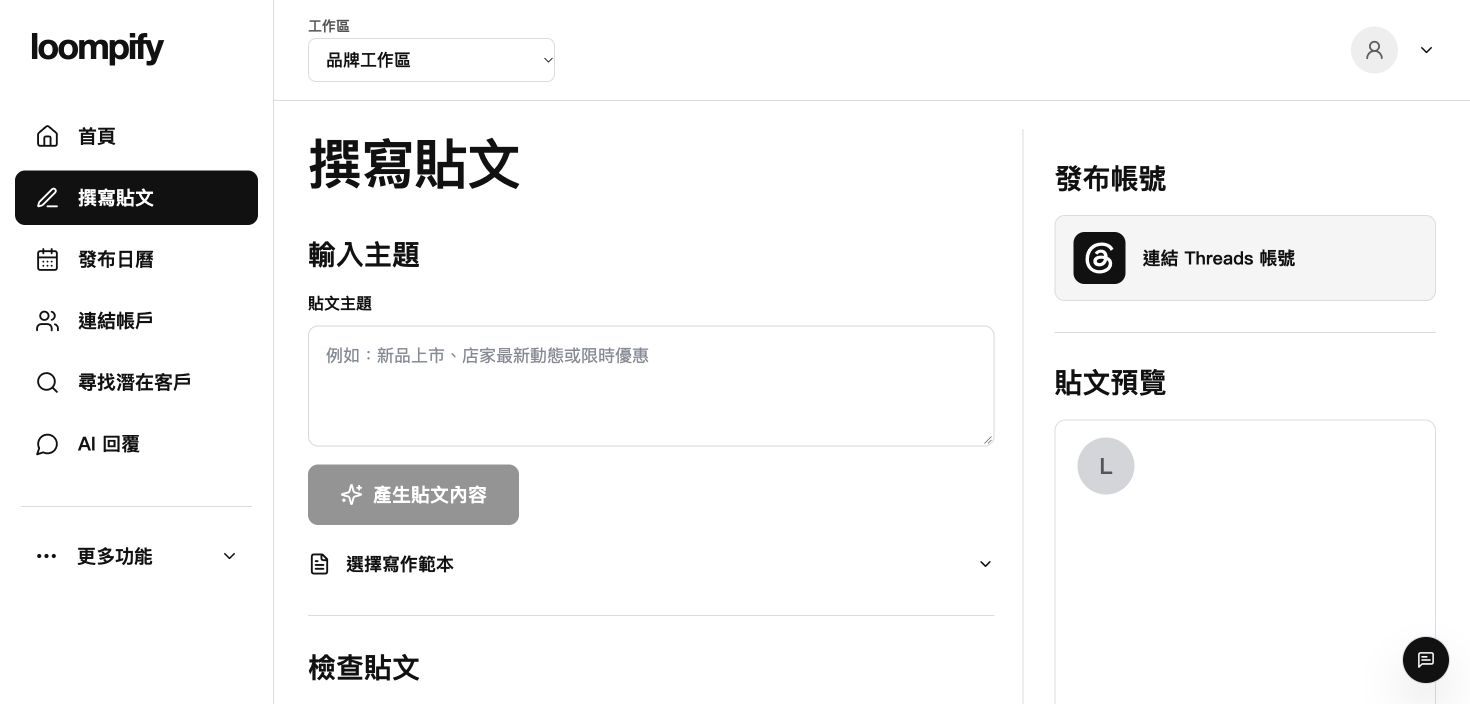
Before you start
Connect a Threads account before saving your draft to cloud storage or publishing.
Step-by-step instructions
Sign in to your account
Open Loompify and sign in using your email address or Google account.
Configure workspace settings
Click More, open Settings, and set your workspace name, post writing language, and timezone.
Navigate the main menu
Use the sidebar menu to navigate between Create, Calendar, Accounts, and other features.
Draft your first post
Open Create to write a manual post or generate an AI text suggestion.
Setup troubleshooting
If settings do not save, confirm all required workspace fields are completed and refresh your browser.
Need help? ↗Updated