Monitoring Industry Trends
Search discussion topics using keywords or topic presets to evaluate discussion volume.
Open Loompify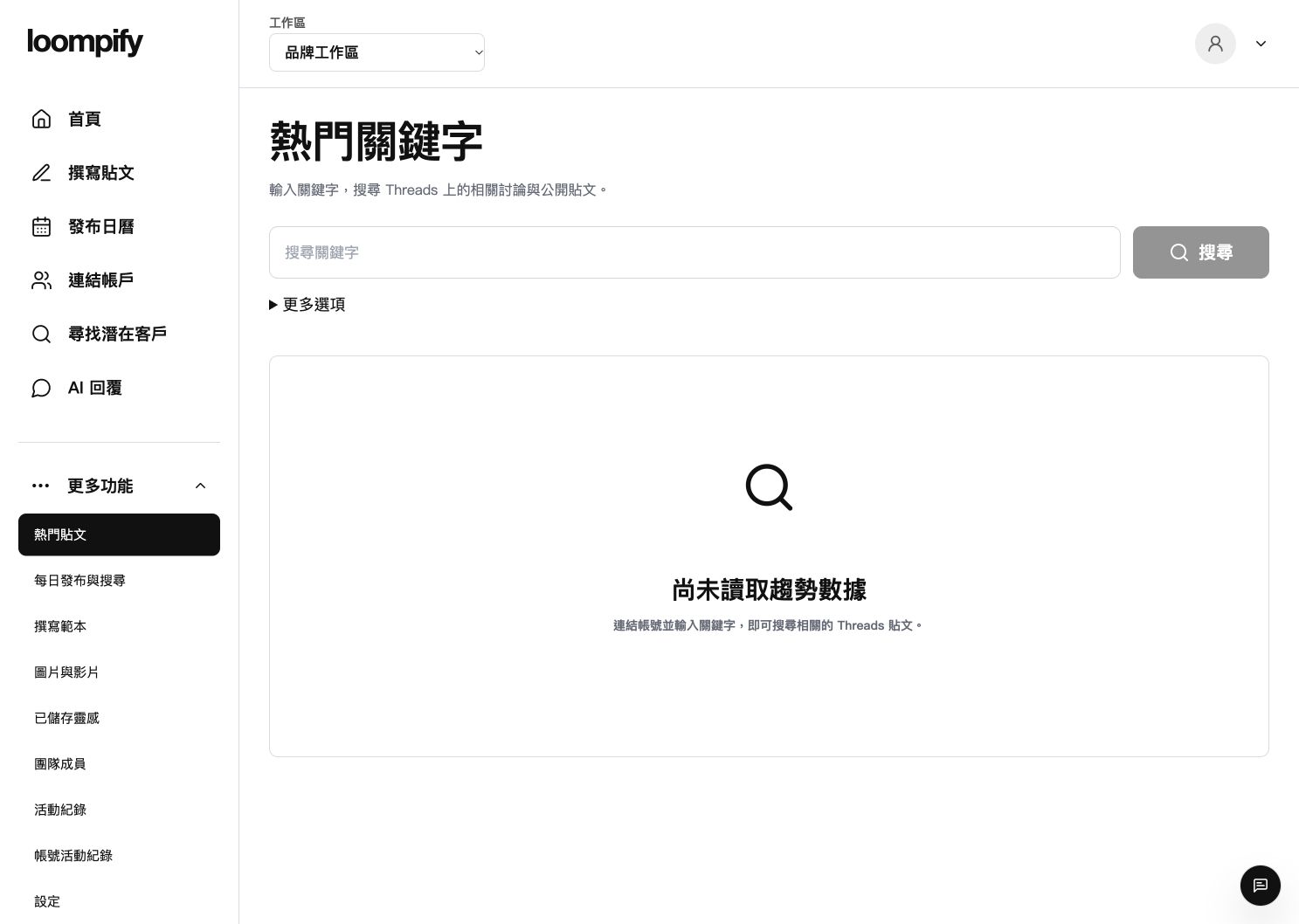
Before you start
Trend data relies on official platform keyword search permissions; missing metrics indicate sample availability, not zero platform activity.
Step-by-step instructions
Access trending insights
Click More in the sidebar and select Trending posts to open the search interface.
Select account and preset
In More options, choose an authorized account with search permission and select a preset like MEME, Growth, or Custom.
Enter keywords and search
Type your topic keywords into the field and click Search to query public platform data.
Review time windows and source posts
Compare automatically calculated 1h, 6h, and 24h metrics and read available source posts.
Trend search troubleshooting
If trend queries return empty results, confirm your selected account possesses search permissions or try broader topic keywords.
Need help? ↗Updated