Managing Images and Videos
Upload, preview, and organize media assets for your upcoming social posts.
Open Loompify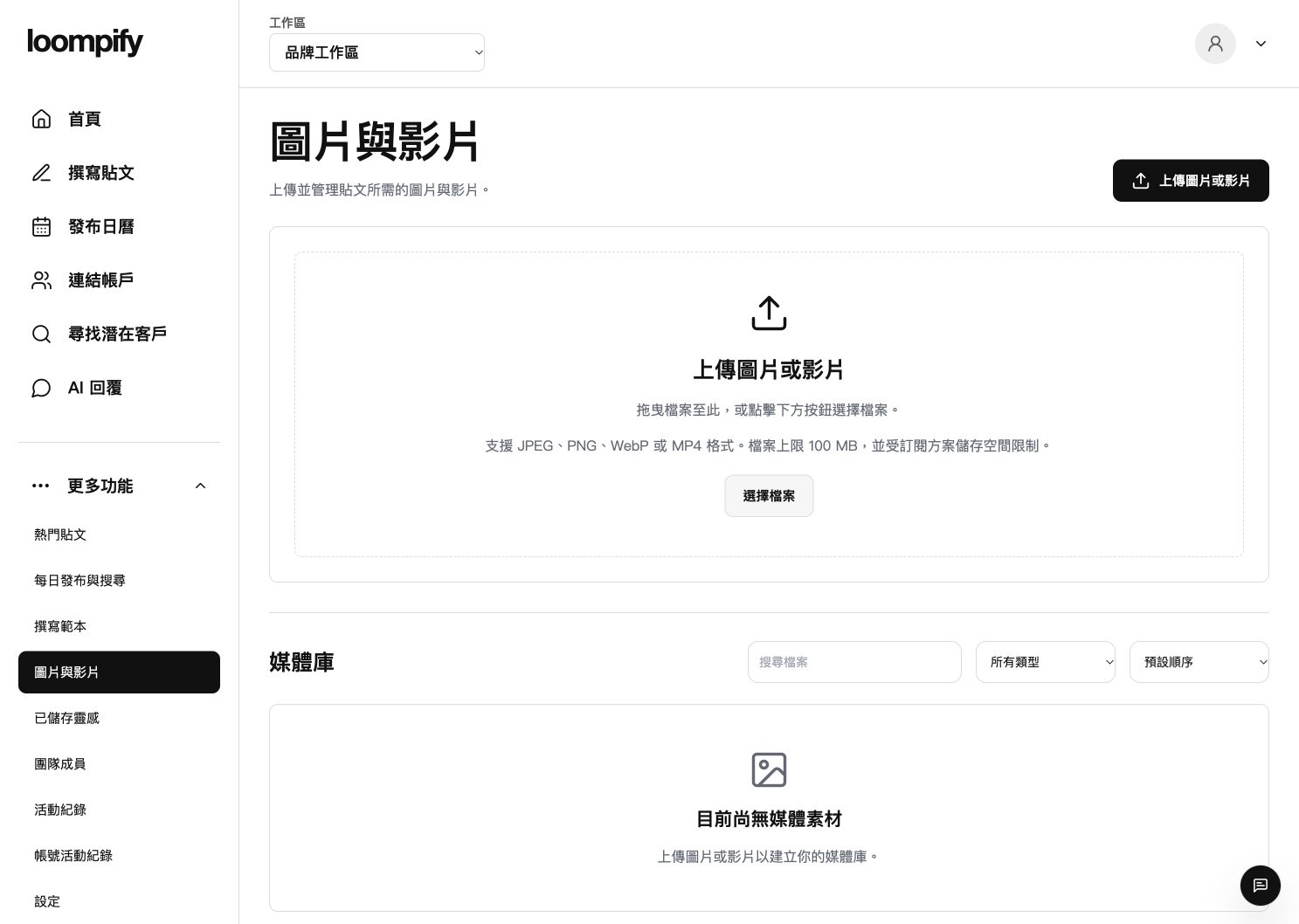
Before you start
Uploading a file does not mean it is published. Threads images require JPEG or PNG format, while videos use MP4. WebP files may need to be converted before posting.
Step-by-step instructions
Access media library
Click More in the sidebar and select Images and videos to open your asset collection.
Upload media files
Upload supported JPEG, PNG, WebP, or MP4 files under the 100 MiB per file limit.
Preview media assets
Inspect previews and remove outdated media files to keep your library organized.
Attach media to posts
Select uploaded JPEG, PNG, or MP4 files directly from the composer when drafting posts.
Troubleshooting file uploads
If an upload fails, check that individual file sizes do not exceed 100 MiB.
Need help? ↗Updated