Security, Recovery, and Data Controls
Manage password resets, account security, and workspace deletion requests.
Open Loompify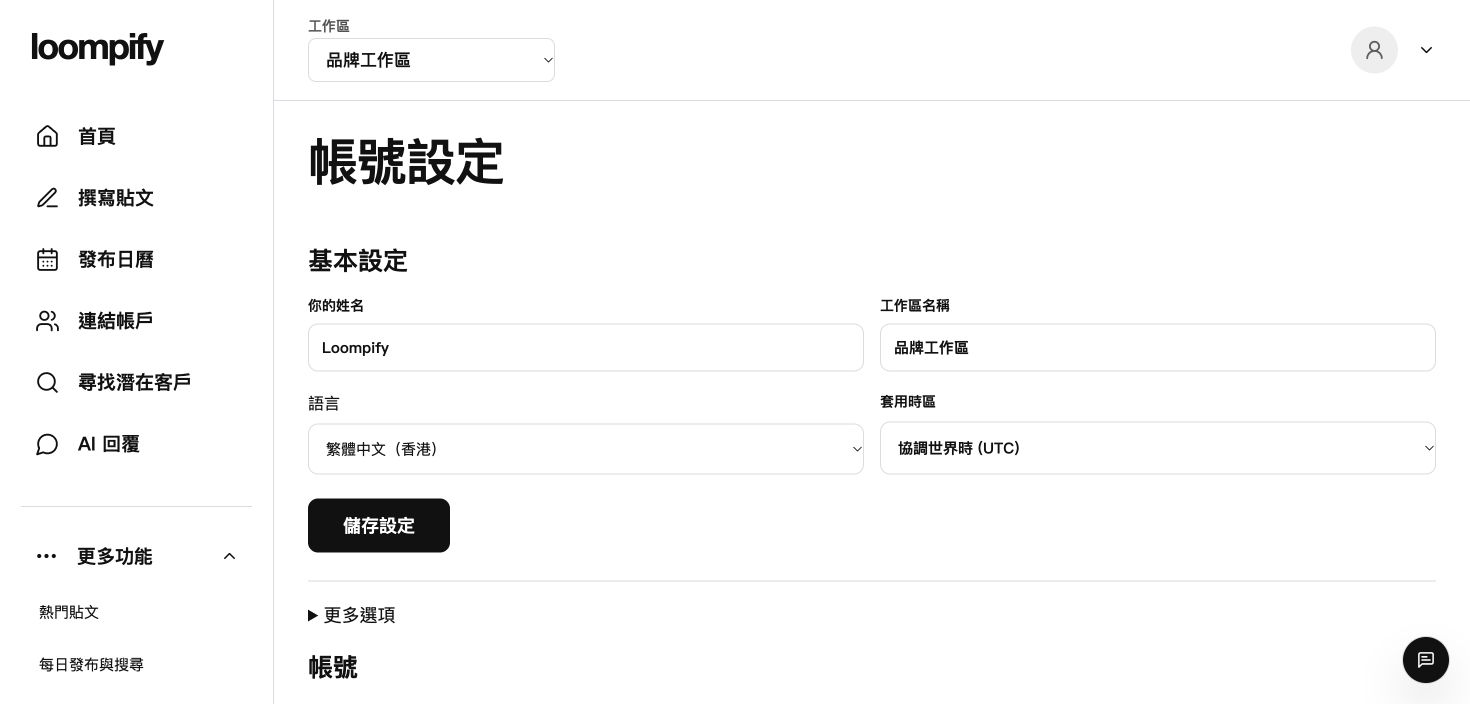
Before you start
Workspace deletion requests pause automated tasks but require confirmation processing; manage subscriptions separately to avoid future charges.
Step-by-step instructions
Request password recovery
Click the forgot password link on the sign-in screen to receive a recovery email.
Secure account credentials
Set a strong password and never share login credentials or security details.
Disconnect accounts or pause activity
Halt automated activity using pause controls or disconnect profiles in Accounts.
Request workspace deletion
Navigate to Settings to submit a workspace deletion request if you wish to close your workspace.
Security troubleshooting
If password recovery emails do not arrive, check your spam folder or verify your registered email address.
Need help? ↗Updated