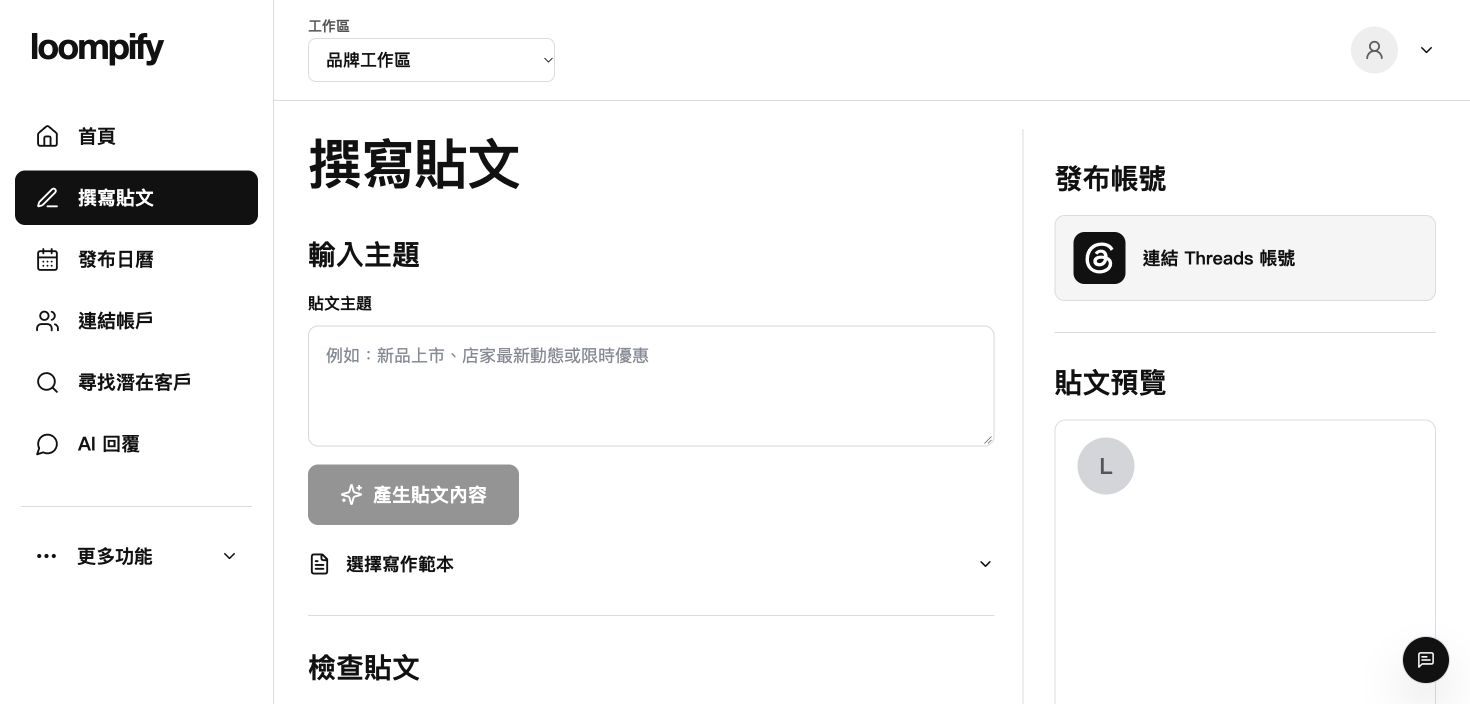
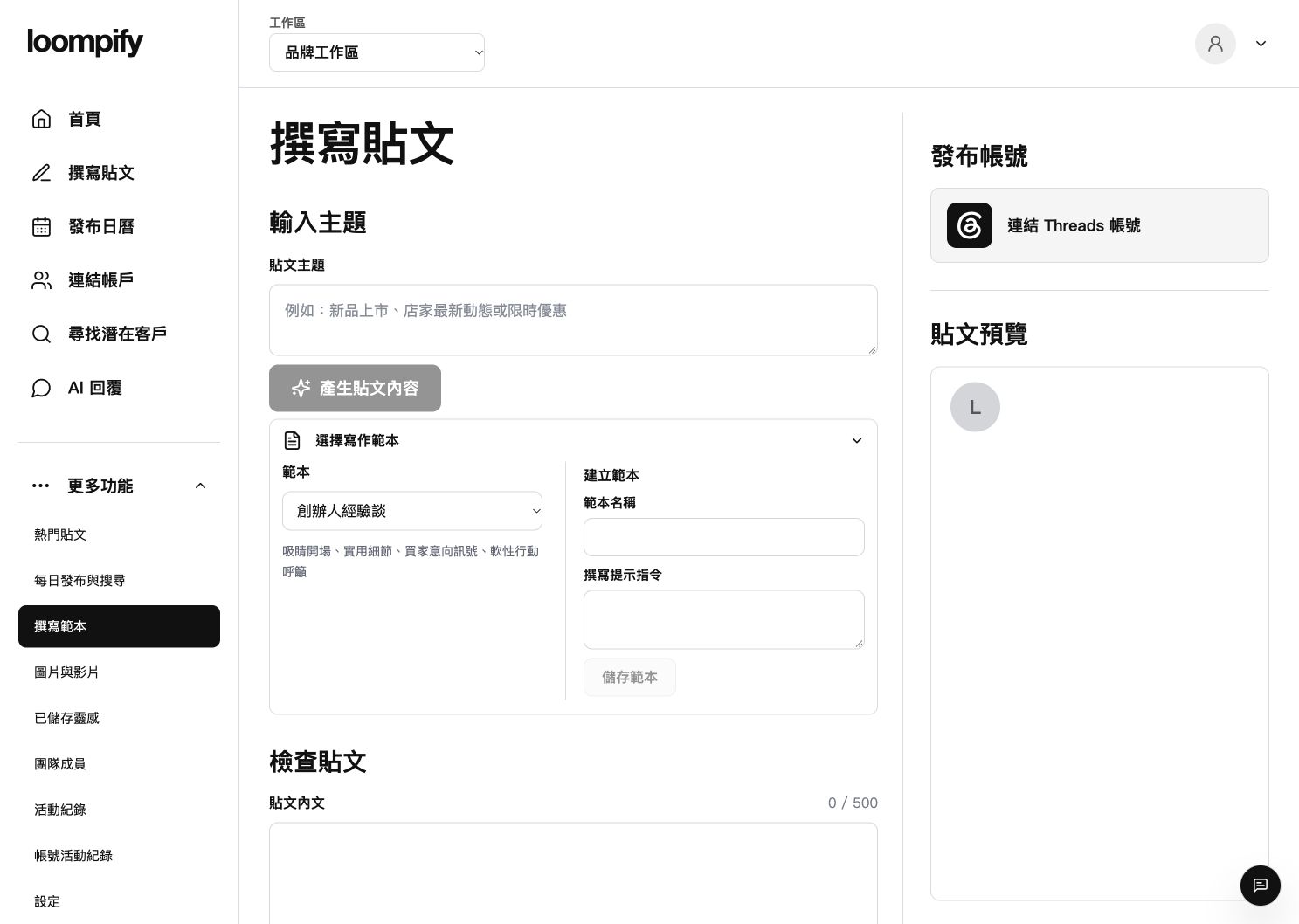
As an AI social media tool built for social publishing, Loompify converts your chosen topic, language, and template into editable Threads drafts ready for manual review.
You can try AI drafting first without connecting Threads. Free plans include 25 AI content generations per month. Saving, publishing, scheduling, and daily activities require active Threads authorization and feature availability.
Visual representation of topic input converting into an editable Threads draft
Simple Workflow
From topic to ready-to-edit draft
Create structured social content without starting from a blank page.
01
Input your topic
Provide a subject, key idea, or core message to guide the content.
02
Generate initial draft
Receive structured content options crafted for the Threads platform format.
03
Edit and refine
Adjust tone, fine-tune wording, and finalize your draft before publishing.
Designed for modern creators
Core capabilities focused on post drafting, content planning, and contextual interactions, subject to platform availability.
Draft Generation
Topic and Template Drafting
Convert selected topics, languages, and structural templates into editable Threads drafts tailored to your preferred post style and tone.
Generate text options using specific post templates and tone settings
Review and refine every generated draft manually before saving or publishing
AI outputs are initial drafts intended for human review.
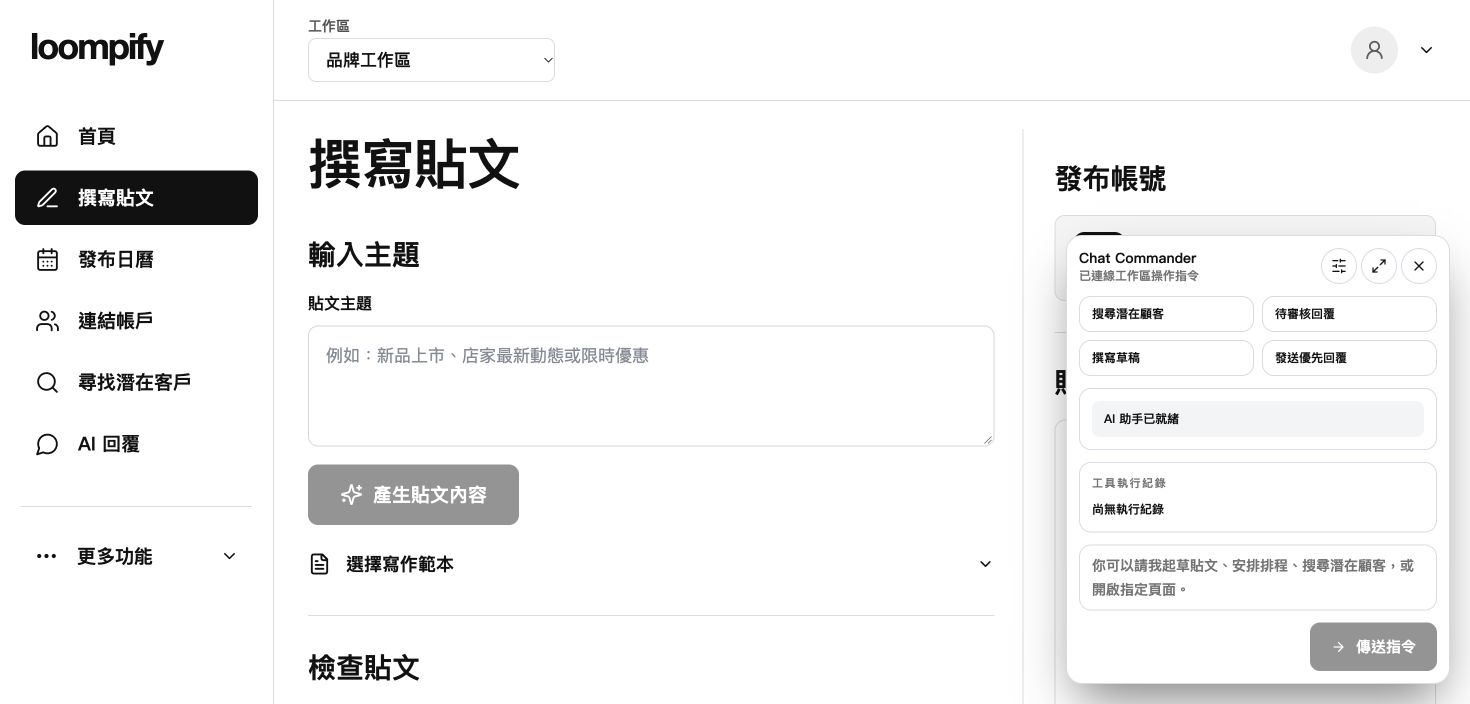
Product interface preview showing the editor alongside the assistant panel
Community Engagement
Branded Comment Drafts
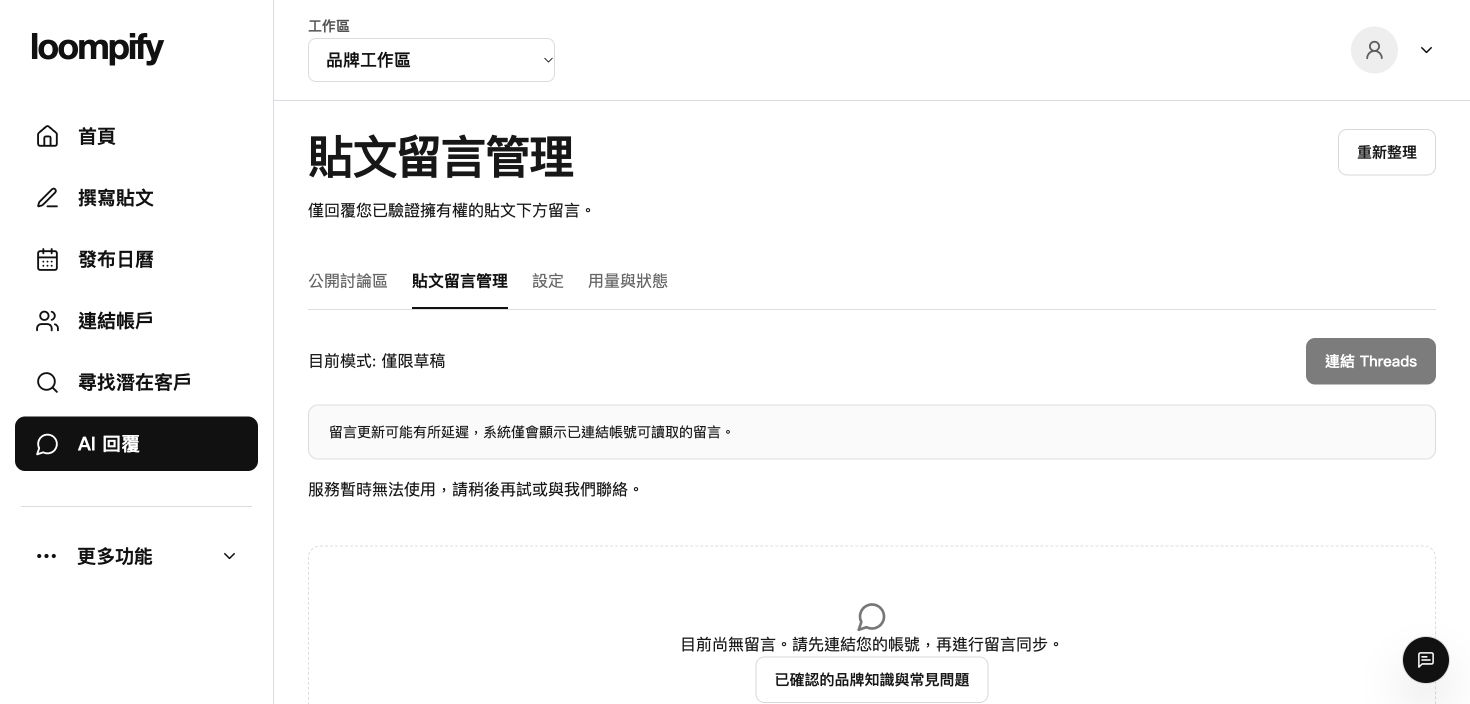
Draft short replies for comments on your own Threads posts based on your confirmed brand FAQ knowledge base, kept under manual review by default.
Generate suggested replies for your post comments using approved Q&A context
Keep manual review active by default, or enable automated reply rules requiring explicit activation, valid authorization, and feature availability, with pause controls anytime
Check feature availability on your Account page first; connecting your account does not guarantee feature access.
Product interface preview showing an empty comment management screen before receiving entries
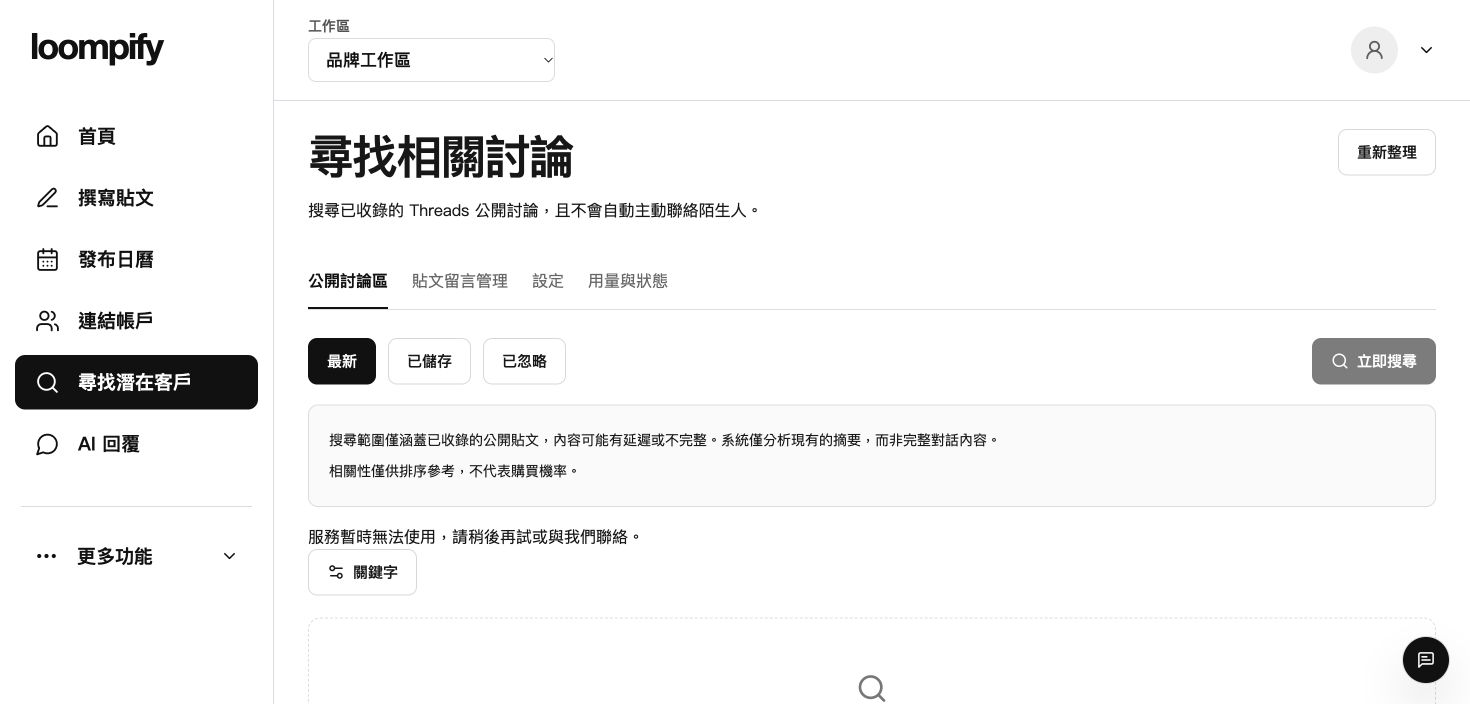
Public Discussion
Indexed Discussion Insights
Analyze search-indexed public Threads snippets to separate general topic context from explicit user inquiries, accompanied by verifiable source excerpts.
Distinguish broad discussion themes from actionable user inquiries
Inspect snippet source citations without sending automated public messages
Check feature availability on your Account page first; indexed data may be delayed or incomplete.
An AI social media tool helps structure and streamline your writing process. Loompify focuses on generating editable Threads post drafts and organizing content ideas, with all generated text requiring human review before publishing.
Do I need to connect a Threads account to try it?
No, you can try drafting content immediately without connecting an account. Free accounts include 25 AI generations per month. Saving, publishing, scheduling, and managing daily activities require an active Threads authorization and feature availability.
Can Loompify automatically reply to posts from strangers?
No. Loompify only analyzes publicly indexed discussion summaries for research purposes. Suggested reply drafts apply only to comments on your own posts, stay in manual review by default, and automated reply modes require explicit user activation, valid authorization, and confirmed feature availability.
Which social platforms are supported?
Loompify is built with Threads as its core focus. We do not claim support for all social media platforms.
What are the limits of the free plan?
The free plan includes 25 AI content generations per month rather than unlimited access. Additional limits regarding accounts, scheduling, and workspace usage are listed on our pricing page.
Ready to build your Threads content pipeline?
Start creating editable drafts today with our free monthly allowance.